Some of the best findings don’t come from a scoped engagement — they come from poking at a random tool you stumble across and asking “what happens if I hand this something it isn’t expecting?” That’s exactly how this one started.
The Setup
The target was a small utility site with one job: you give it a URL, and it renders that page in a headless browser and hands you back a screenshot. Paste a link, solve a “I’m not a robot” checkbox, hit Submit Query, and a few seconds later you get a rendered image of whatever page you pointed it at.
Tools like this are everywhere — link preview generators, PDF/screenshot-as-a-service APIs, “share this page” thumbnail generators. Under the hood, almost all of them work the same way: a server-side headless browser (Puppeteer, Playwright, wkhtmltoimage, or similar) navigates to the URL you supply and captures the result. That server-side navigation step is exactly the kind of thing that should make a tester’s ears perk up — it’s a textbook Server-Side Request Forgery (SSRF) surface.
Step One — Confirming the Server Actually Fetches Arbitrary URLs
Before reaching for anything exotic, I wanted to confirm the basics: does this thing actually make a real outbound request to whatever URL I give it, or is it just faking a preview from some cached/sandboxed allowlist?
I submitted a completely unrelated external URL:
https://evil.com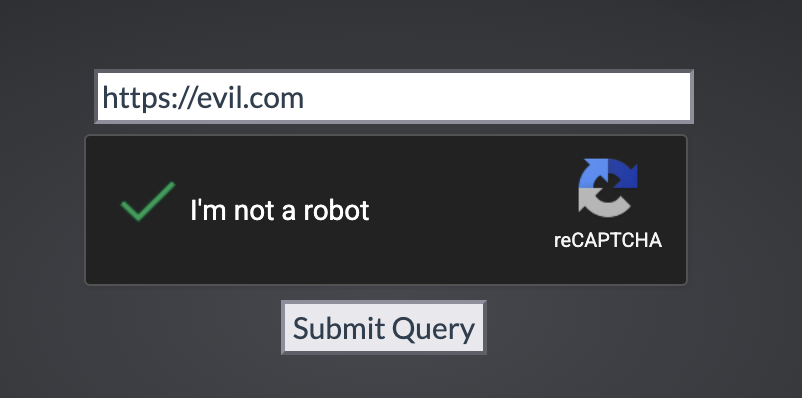
The tool went off, rendered the page, and handed back an accurate screenshot of the real evil.com homepage — dark theme, red “www.evil.com” branding, the whole layout:
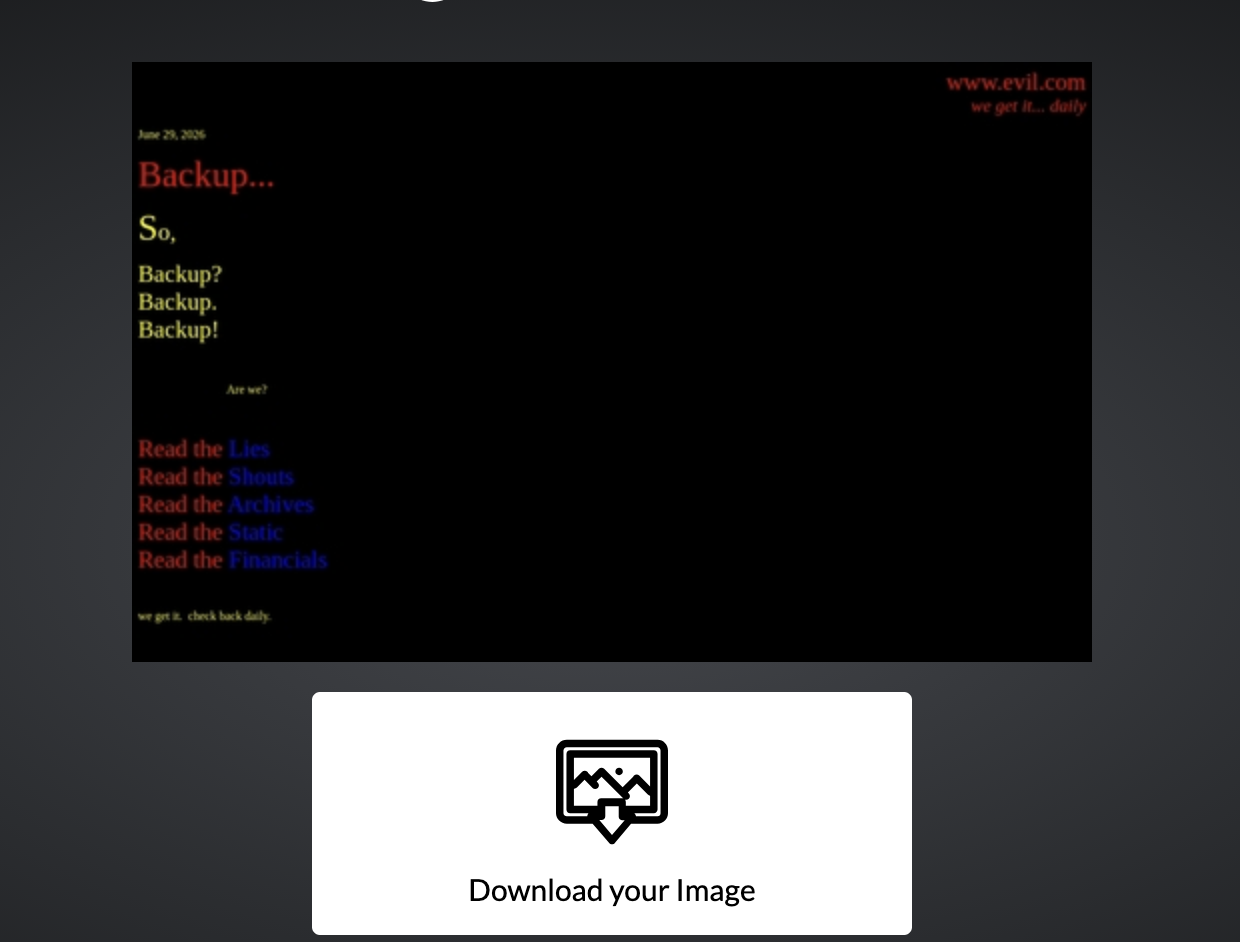
That confirms the first assumption: the backend is making a live, server-side request to an attacker-controlled destination and faithfully rendering whatever comes back. This is the single most important precondition for SSRF — the server will go fetch whatever I tell it to.
I also grabbed the direct URL of the generated image rather than just clicking “Download,” since the storage path itself is worth a look:
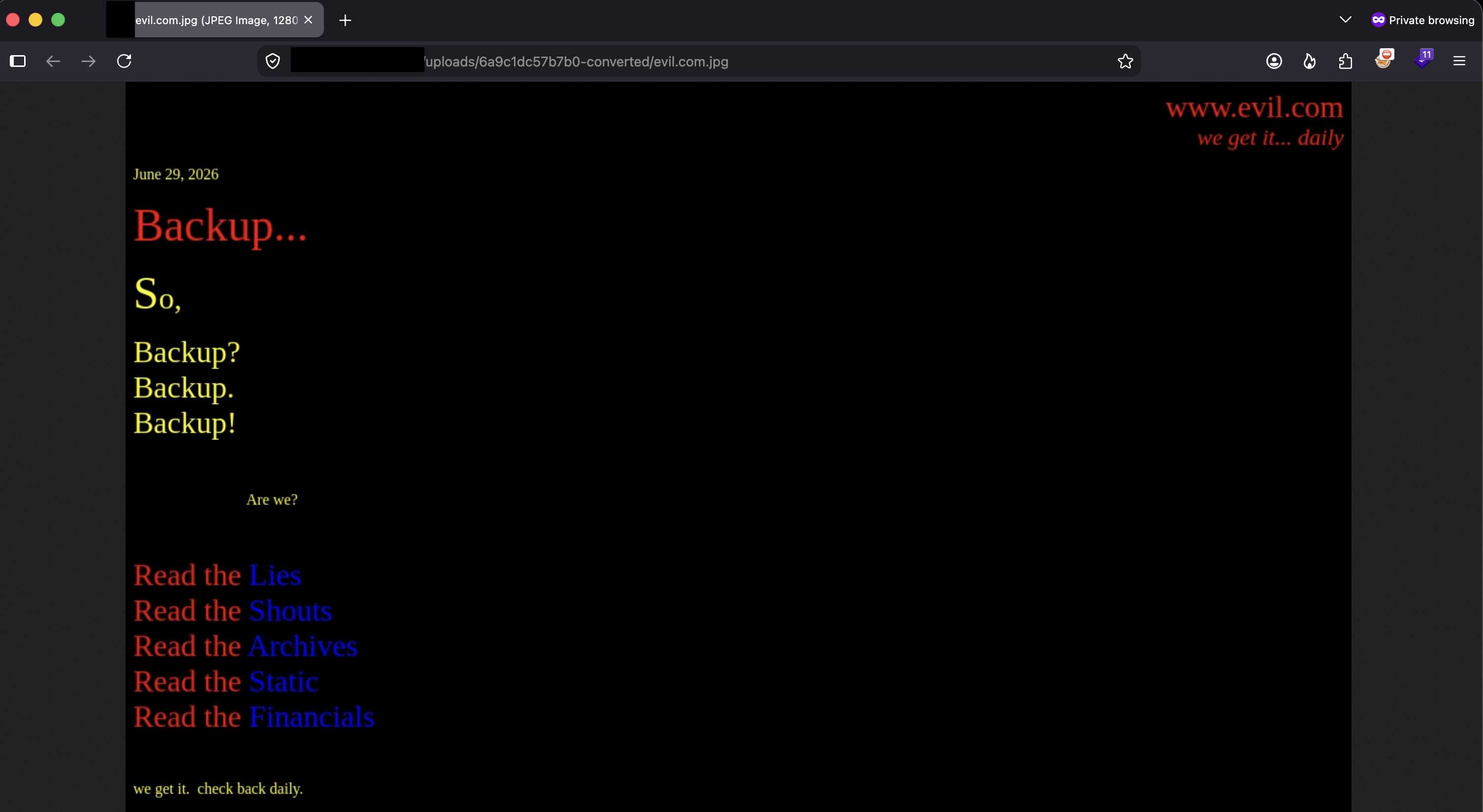
Each capture gets saved server-side under a hashed, per-job folder (/uploads/<hash>-converted/<original-name>.jpg) and served back statically. Good to know for later — but the real question was still ahead of me: if it fetches any URL, does it also honor any URL scheme?
Step Two — Escalating From “Any URL” to “Any File”
https:// and http:// aren’t the only schemes a browser understands. Headless Chromium (and most other headless renderers) will also happily navigate to:
file://— read a local file straight off the diskchrome://(in some misconfigured Puppeteer setups) — internal browser pagesgopher://,dict://— protocol smuggling primitives used in classic SSRF-to-RCE chains
If the application is passing my raw input straight into the renderer’s .goto(url) call without validating the scheme, file:// should let me read anything the browser process has filesystem permission to open — config files, source code, SSH keys, /etc/passwd, /etc/shadow if permissions allow it, cloud credential files, you name it.
I submitted:
file:///etc/passwd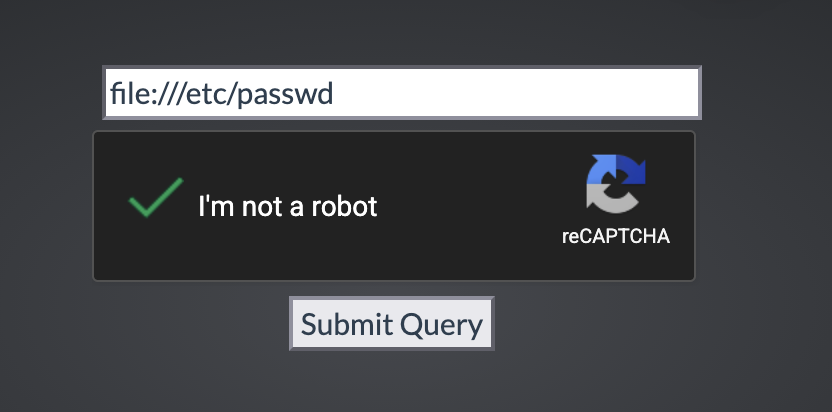
The tool accepted it without complaint and kicked off a capture job exactly like before:
Along the way I did hit one hiccup — at one point the request bounced off a 403 Forbidden, served from what looked like the underlying hosting panel (ISPConfig-branded):
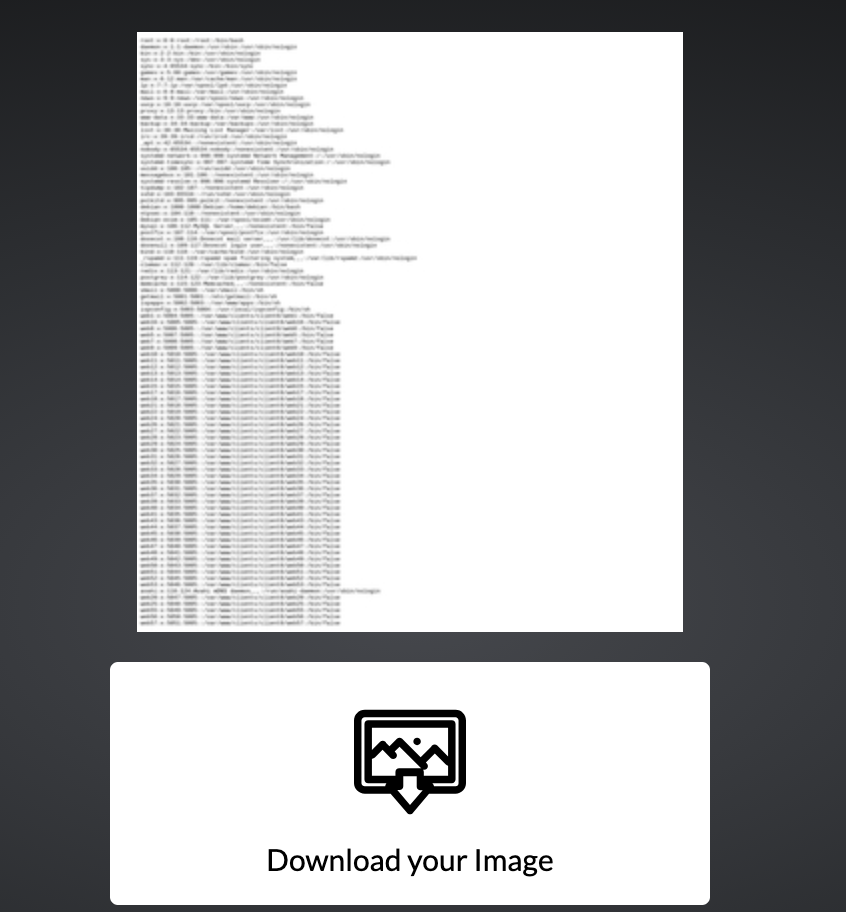
That 403 looked like a dead end at first glance, but it wasn’t actually blocking the capture pipeline itself — it was an unrelated response encountered along the way, not a scheme filter rejecting file://. The actual screenshot job kept running in the background, and a few seconds later the result came back:
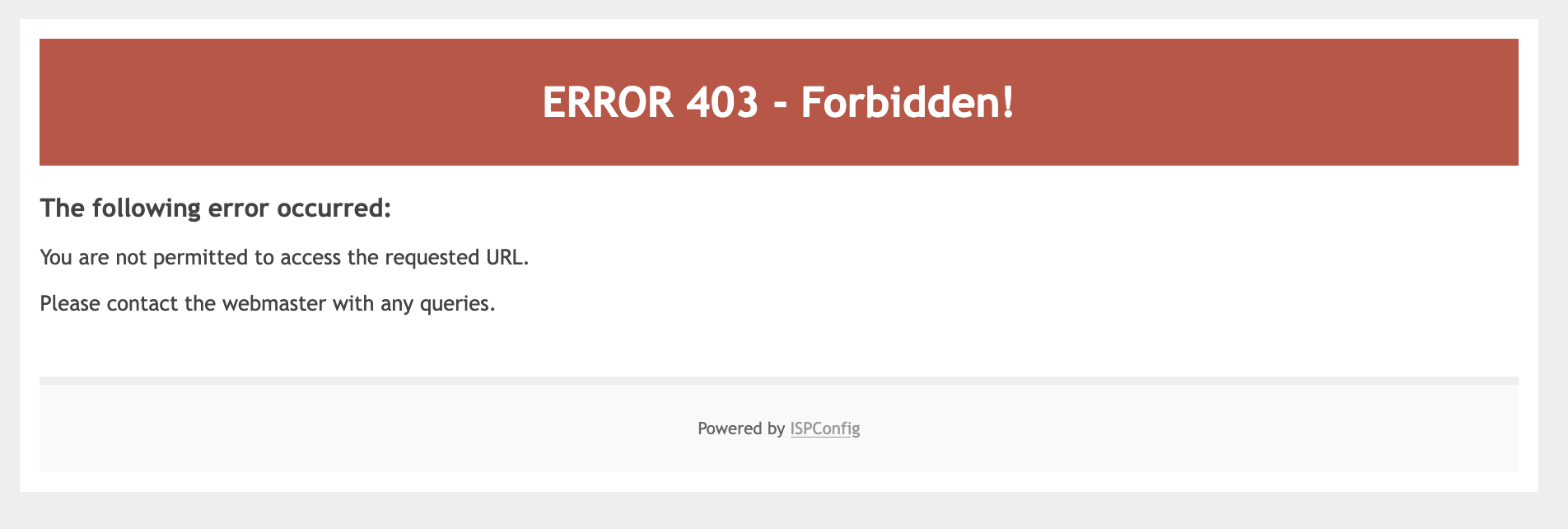
That’s the full contents of the target server’s /etc/passwd, rendered as plain text and captured into an image, downloadable with one click. Local file read, confirmed — through a “screenshot my URL” text box and a reCAPTCHA checkbox.
Why This Works
The vulnerability comes down to one missing check: the application never restricts which URL schemes it will navigate to.
A headless browser doesn’t distinguish between “the internet” and “the local filesystem” the way you’d hope a security-conscious developer would design for. page.goto(userInput) in Puppeteer/Playwright (or the equivalent in wkhtmltoimage, PhantomJS, or any Chromium-based renderer) will transparently follow whatever scheme you give it:
https://attacker.com→ real network requestfile:///etc/passwd→ local filesystem read, rendered exactly like a webpage would be
Since the browser then screenshots whatever finished rendering in the viewport — regardless of whether that content came from a network socket or the local disk — a plain-text file gets displayed (and captured) exactly like a webpage would. There’s no code execution here, no injection, nothing clever from a payload-crafting perspective. The entire bug is a missing input validation step: nobody told the renderer “only ever open http:// or https:// URLs.”
Root Cause
The root cause is straightforward: user-supplied input is passed directly into a server-side browser navigation call with no scheme allowlist, no destination allowlist, and no sandboxing around what the renderer process is allowed to touch. That’s the same missing control at the heart of almost every SSRF finding — the only twist here is that the “internal resource” being reached isn’t a cloud metadata endpoint or an internal API, it’s the local filesystem itself, via file://.
Fix:
1. Validate and allowlist the URL scheme before ever passing it to the renderer:
   - Accept only "http://" and "https://"
   - Reject "file://", "ftp://", "gopher://", "dict://", "chrome://", etc.

2. Resolve and block SSRF targets, not just schemes:
   - Reject requests to private/internal IP ranges (127.0.0.0/8, 10.0.0.0/8,
     172.16.0.0/12, 192.168.0.0/16, 169.254.0.0/16 — including cloud metadata
     endpoints like 169.254.169.254)
   - Re-validate the resolved IP after DNS resolution (to prevent DNS-rebinding
     bypasses of the allowlist)

3. Run the renderer with no local file access:
   - Launch headless Chromium with flags that disable local file scheme access
     (e.g. Puppeteer/Playwright's --disable-local-file-access equivalents, or a
     custom protocol handler that hard-rejects "file://" at the browser level)
   - Run the renderer in a locked-down container/sandbox with no sensitive
     files mounted, as defense in depth even if the scheme check is bypassed
Any one of these controls alone would have stopped this chain. Having none of them is what made it trivial.
Key Takeaways
- Any “give me a URL and I’ll fetch/render/preview it” feature is an SSRF candidate by design — screenshot services, PDF generators, link unfurlers, webhook testers, all of them
- Don’t stop at confirming the server makes outbound requests — always test whether it also honors non-
http(s)schemes likefile://,gopher://, anddict:// - A missing scheme allowlist turns a “convenience feature” into full local file disclosure with zero code execution required
- Headless browsers render local files and remote pages identically from the renderer’s point of view — if the app screenshots the viewport, it’ll screenshot
/etc/passwdjust as happily as a webpage - Incidental errors (like the 403 here) don’t necessarily mean an attack path is closed — track the actual job/result, not just the first response you get back
Questions? Hit me up on X.